Find, email and close B2B customers.
Prospect search, verified emails, sequences and a CRM in one open-source tool.
From £10$15 a month on Cloud, or self-host it free
- No seat fees
- Hosted in the EU, or on your server
- Open source, AGPL-3.0




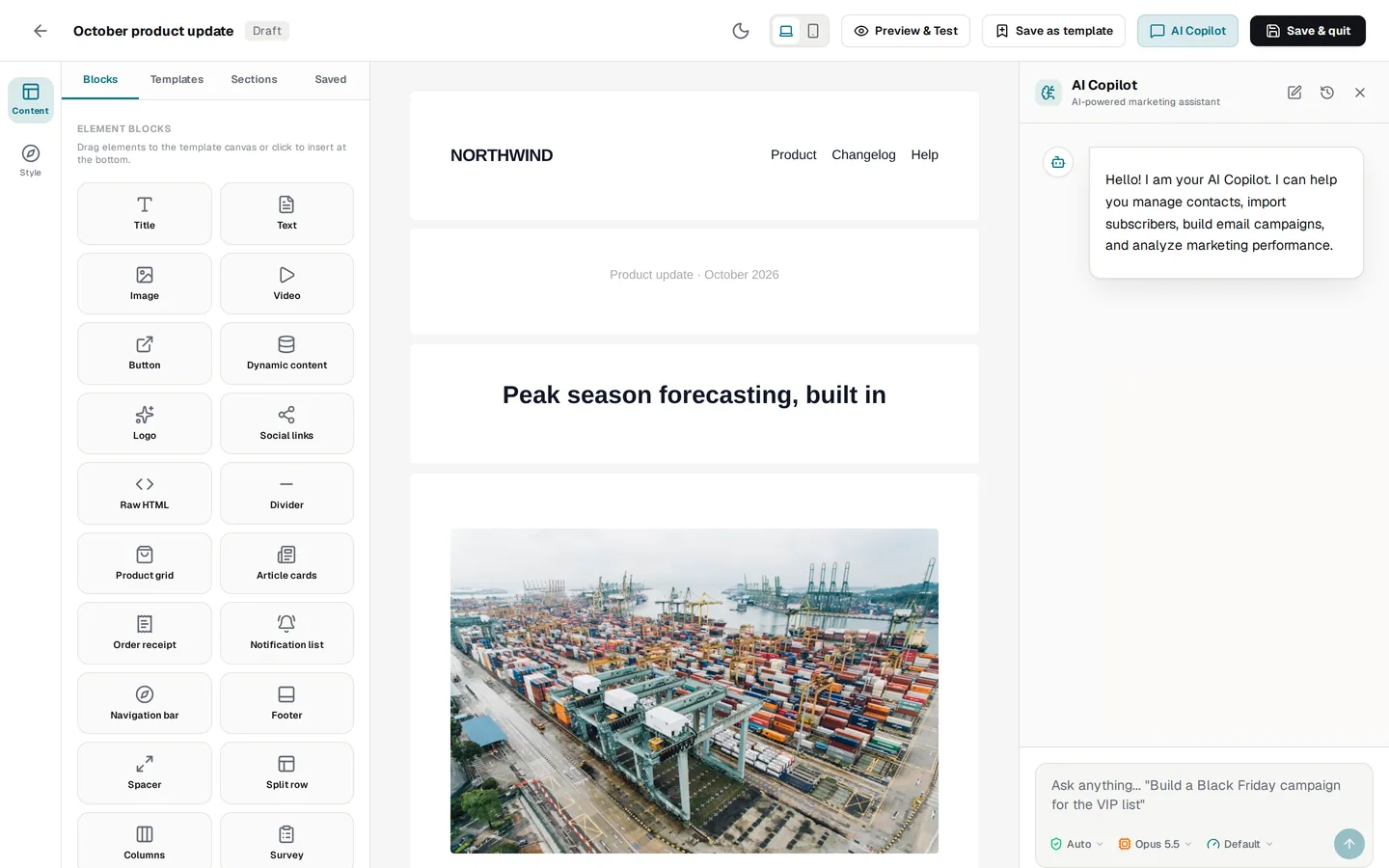
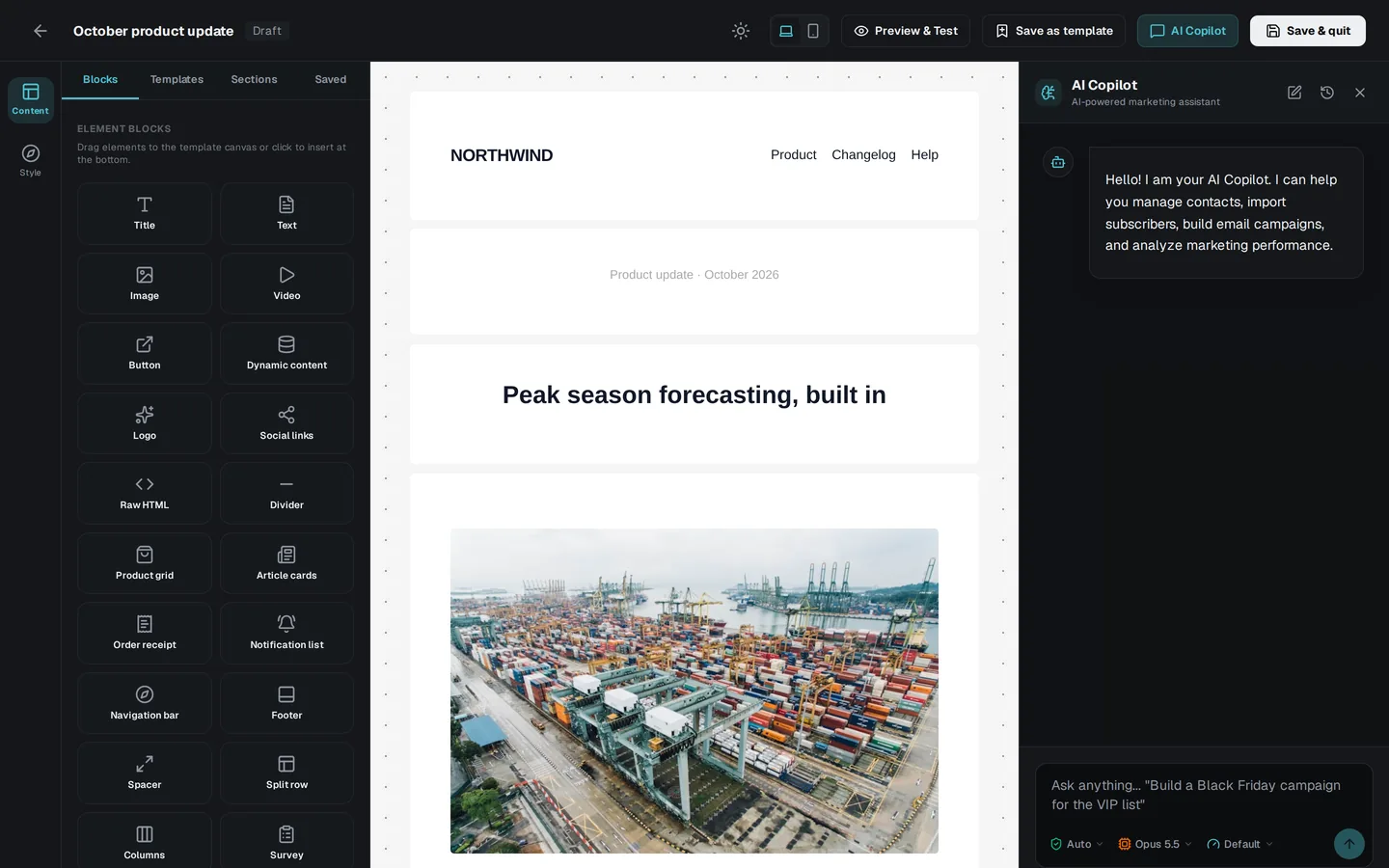
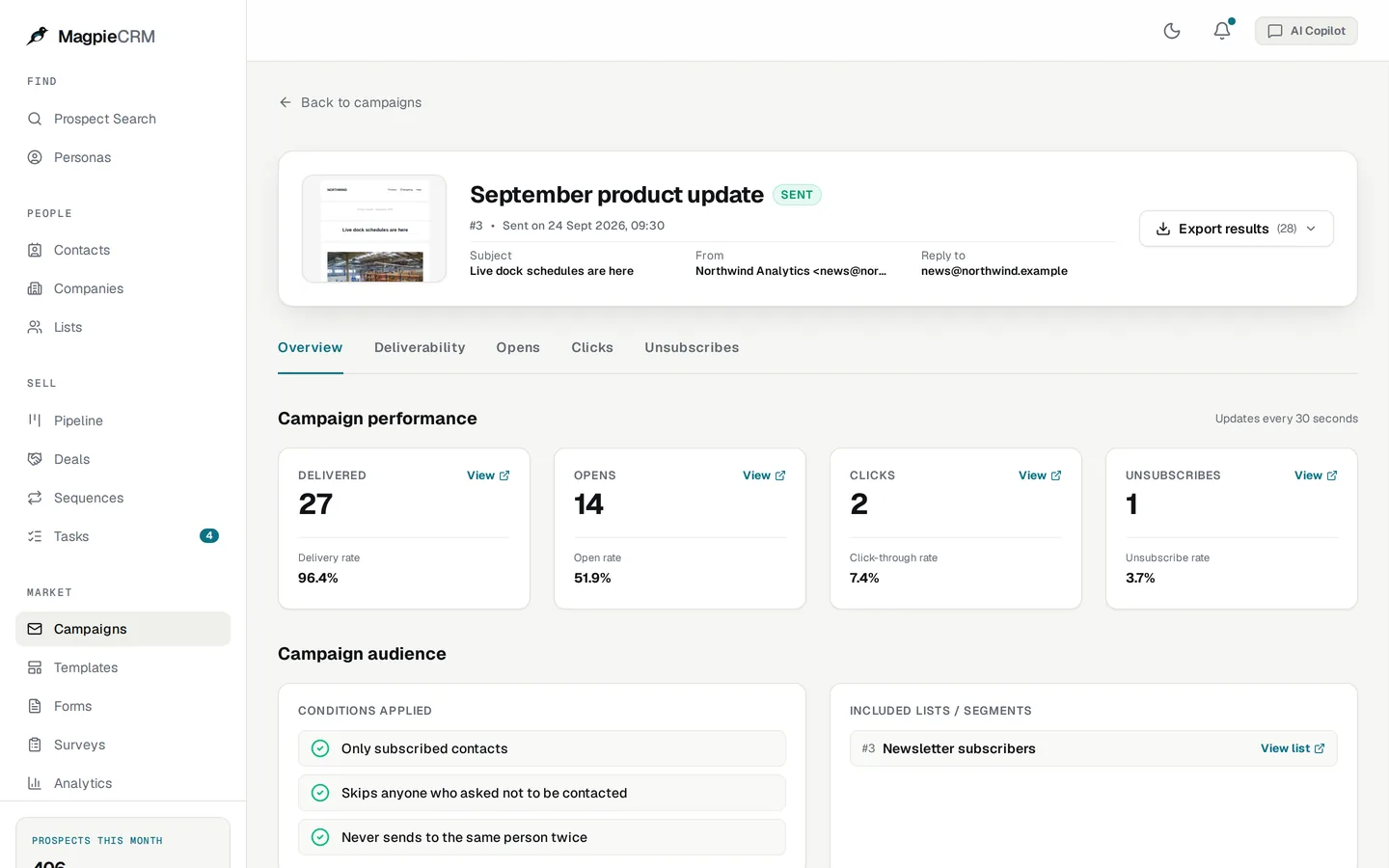
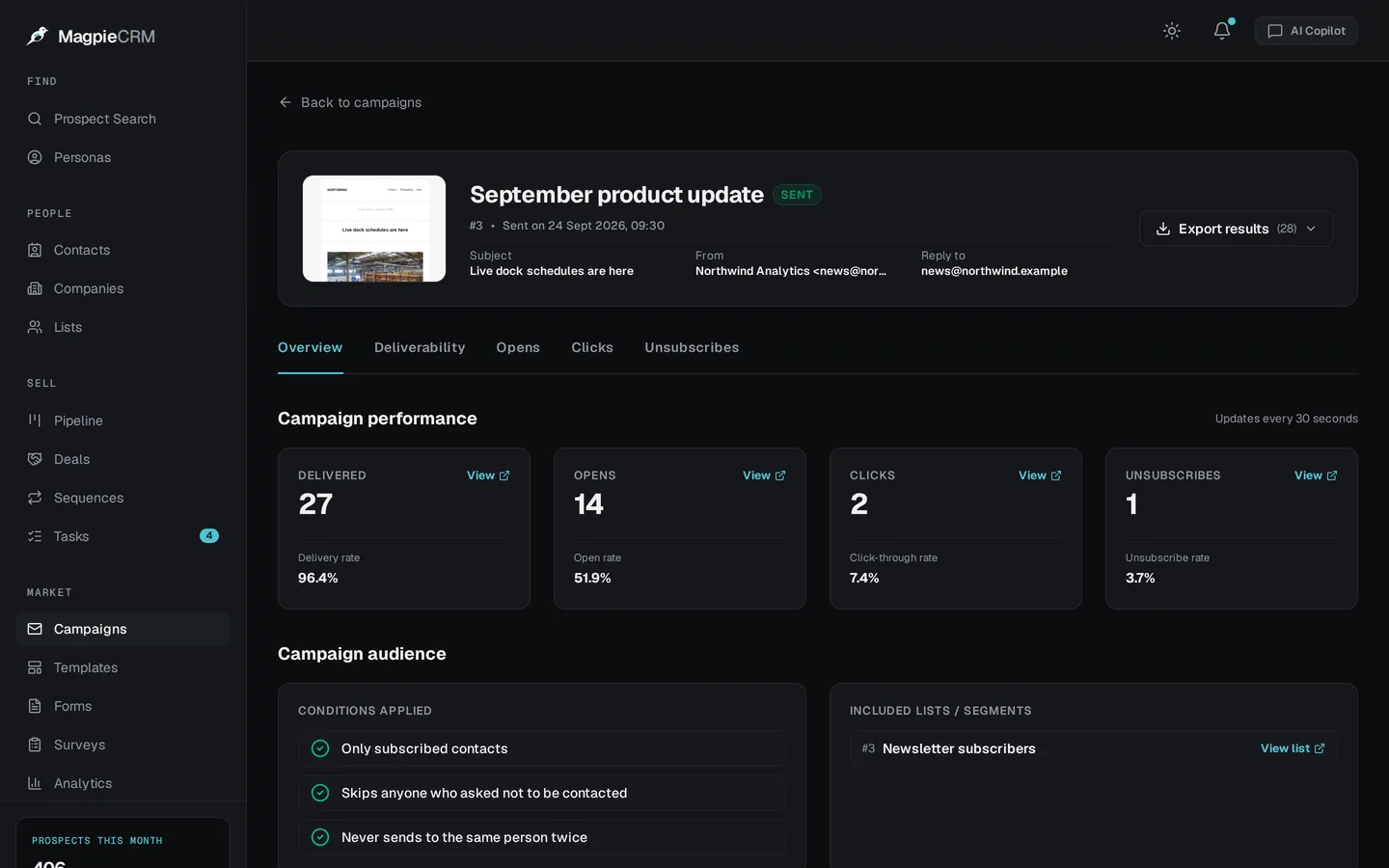
The real app, with made-up people and companies.
See it
The whole job, in 30 seconds.
Search, verify, design an email, send it and see who opened. Everyone in it is made up.
Verify
Verified emails, not guesses.
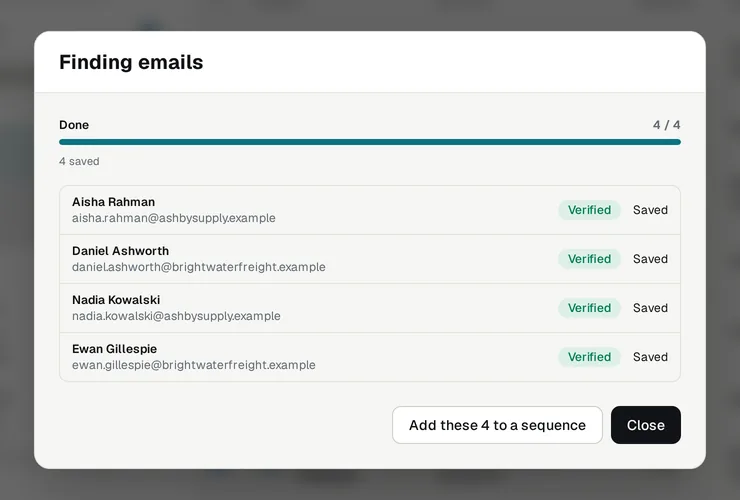
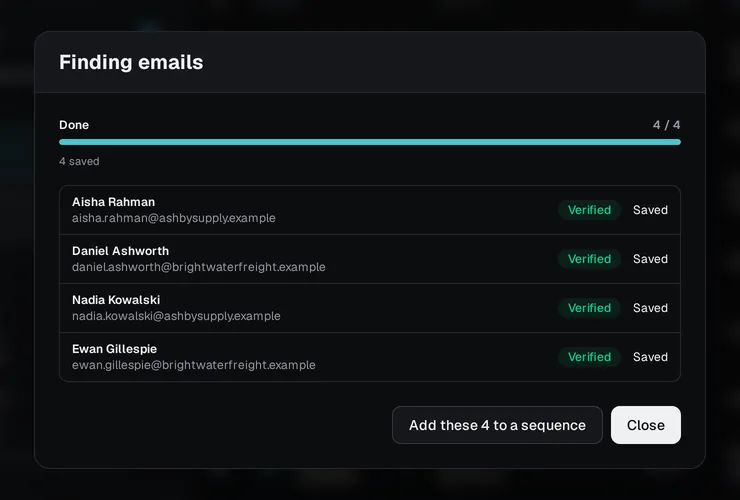
Saving someone finds their work email and checks it with their company's mail server. Only addresses it confirms are kept.
- Checked before it's saved
- Catch-all domains flagged
- No email sent to check
Send
Follow up until they reply.
Sequences send a few plain emails days apart, from your own domain, and stop for anyone who replies, unsubscribes or bounces.
- Stops on a reply
- Sending days, hours and daily cap
- Campaigns with a drag-and-drop builder


Close
Turn replies into deals.
Drag deals across your pipeline, set follow-up tasks, and send a proposal your buyer can accept from a link.
- Multiple pipelines
- Tasks with reminders
- Proposals with a tracked link


AI
Use your own AI.
The copilot runs on your own Anthropic or OpenAI key. Or connect Claude Code, Cursor or Codex, and let them search prospects and draft sequences for you to send.


Compare
What you'd otherwise buy separately.
Prospecting, verification, sending and a CRM usually come from different tools. Here they're one.
| What you need | Usually bought from | Magpie |
|---|---|---|
| Prospect search | Apollo.io, ZoomInfo | Included |
| Verified work emails | Apollo.io, Hunter | Checked with the mail server |
| Email sequences | Apollo.io, Lemlist | Stop on a reply |
| Email campaigns and builder | Mailchimp, Klaviyo | Included |
| Deals, tasks and proposals | Pipedrive, HubSpot | Included |
| Forms and surveys | Mailchimp, a survey tool | Included |
| Source code you can read and change | Not available | AGPL-3.0 |
Detailed comparisons, including what it doesn't do yet: Apollo.io, HubSpot, Klaviyo, Mailchimp and eleven more.
Before you send
Cold email, done carefully.
The two questions worth asking before you email people who don't know you yet.
Will it hurt my domain?
Bounces and spam complaints are what damage a sending domain, so the app is built to avoid both.
- Only addresses the mail server confirms are saved, by default
- On Cloud, sending starts at 30 a day to people you found, and rises as your email is received well
- Every email has an unsubscribe link, and anyone who bounces or complains is never emailed again
Am I allowed to email them?
It depends on where you and they are. In the UK, marketing email to people at companies is allowed with a clear way to opt out; sole traders and some partnerships must have agreed first. Check your rules before you send.
- Search results are never stored, only the people you save
- Anyone can opt out, and is then left out of searches, saves and campaigns
- On Cloud you're the data controller, and MagpieCRM is your processor
Get started
Start on Cloud, or run it yourself.
Same app, two ways to run it. Pay for what you use on Cloud, or self-host it free.
Magpie Cloud
Pay for what you needWe run the data, the verification and the sending.
- Prospect data and verification included
- Send from your own domain
- Hosted in the EU
- No per-seat fees
Self-hosted
FreeEvery feature, on your own server.
- One Docker image
- Bring your own data, sending and verifier
- AGPL-3.0 licensed
Not sure which? Cloud vs self-hosting, line by line.
Is MagpieCRM a CRM?
Yes, a lightweight one built around prospecting: prospect search, verified emails, sequences, campaigns, contacts, deals, tasks, forms and surveys, in one tool.
How does Cloud pricing work?
You choose how many prospect credits and emails you need each month, from £10 a month, and pay up front. Prospect data and verification are included, and there are no per-seat fees.You choose how many prospect credits and emails you need each month, from $15 a month, and pay up front. Prospect data and verification are included, and there are no per-seat fees.
Where does prospect data come from?
From SocialFetch. On Cloud it's included; self-hosted, you add your own key. Search results aren't stored, only the people you save.
How does email verification work?
MagpieCRM works out a person's likely work address and checks it with their company's mail server, without sending an email. By default only verified addresses are saved.
Why does Cloud limit how much I can send each day?
To keep your email out of the spam folder. Gmail and Outlook judge a sender by how people react to its email, and one with no history that sends thousands at once looks like a spammer, whatever it sends. So each workspace starts at 200 emails a day to people who signed up or that you imported, and 30 a day to people found in Prospect Search, and the limit goes up each week your email is received well. Workspaces share our sending servers, so the same limit stops another customer's rushed campaign pushing your email into spam.
Should I use Cloud or self-host?
Start on Cloud if you want verification and sending to just work: we run the IPs, domains and blocklist monitoring. Self-host if you want it all on your own server and are happy to run that yourself.
Can my team use it?
There are no per-seat fees. Adding teammates to a Cloud workspace isn't available yet; self-hosted copies can add users.
Find and email your next customers this week.
Start on Magpie Cloud from £10$15 a month, or run it yourself for free.